We will use the computer language Processing because it was designed by visual artists for the kinds of programming we need. In contrast to languages designed by the computer science community, Processing allows easy thing to be done easily rather than making even easy things hard. In addition, Processing has wonderful documentation, especially their online tutorials. You should begin by going to the Processing.org web site and downloading and installing Processing. Then you should work through the introductory tutorial.
The sample programs below are not meant to replace Programming tutorials and documentation and, perhaps, an organized programming course. They are meant to supplement your main effort to learn programming and to provide examples illustrating how programming can be used to study optics. One way to learn programming is by looking and modifying sample programs. We suggest you go through these examples in order.
Sample Programs: For each of the following programs there is a pdf Documentation file and a zip file that unzips to a folder with the program (sketch) and any necessary data files. You should download and unzip the zip file and then read the pdf file.
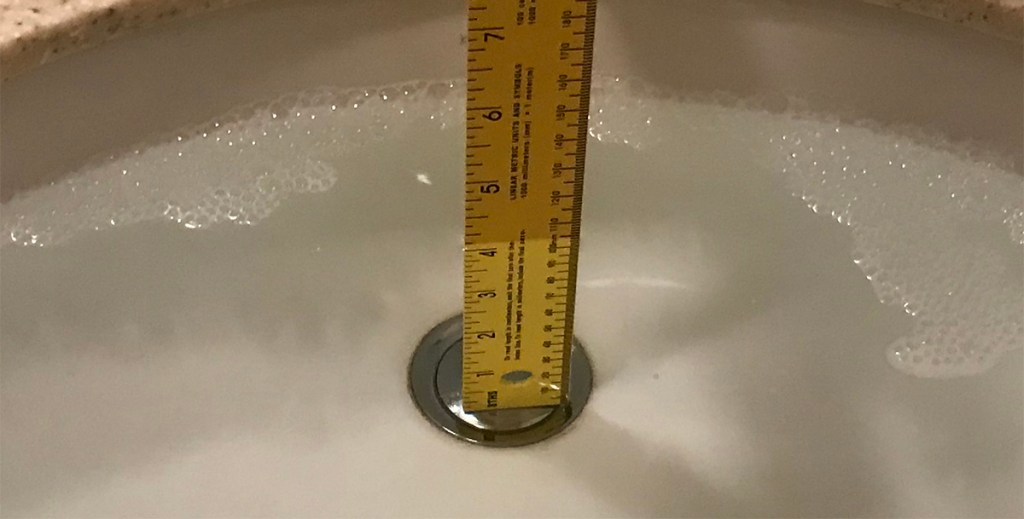

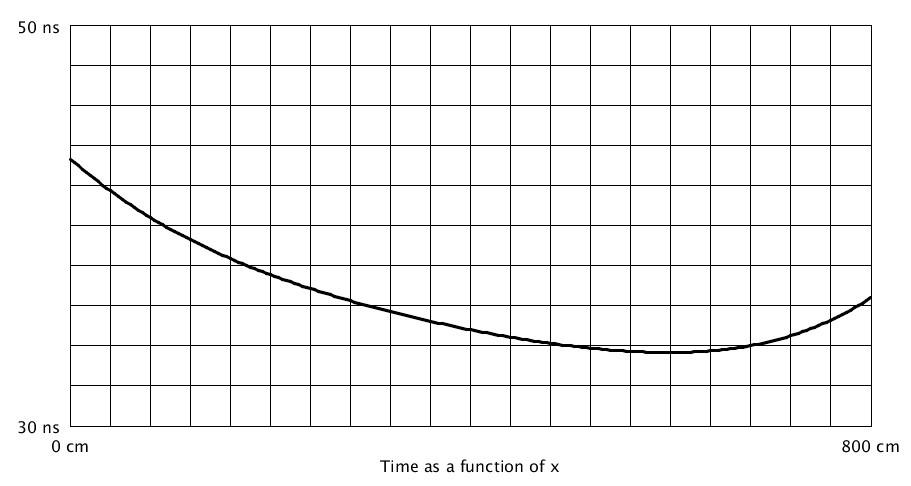
Simple Refraction in a Washbasin or Pool — Documentation (pdf file) — Folder with Processing program and data (zip file). Instructions for Processing program. Understanding the way refraction, for example, in a pool or washbasin affects what we see requires the ability to find the minimum of a function. This can be done using software or graphing calculators. This program illustrates one way to do this using Processing. This can also be done with or without Calculus. This example does not use Calculus.

Advanced Tutorials
The following tutorials are more advanced.
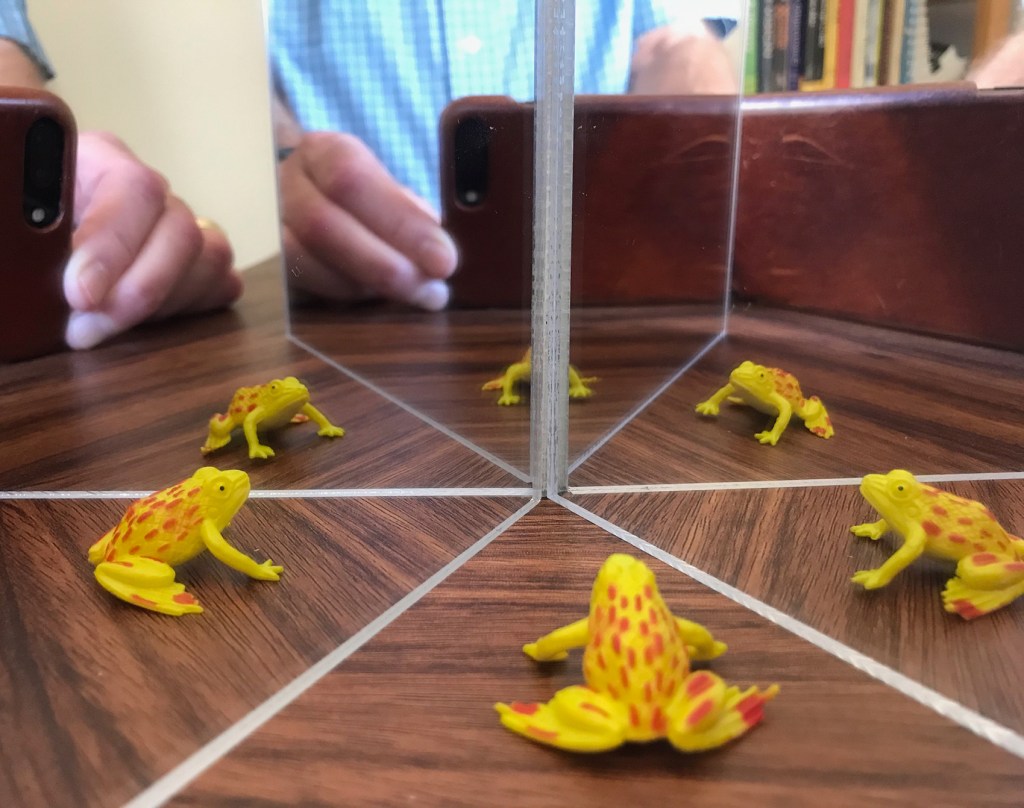
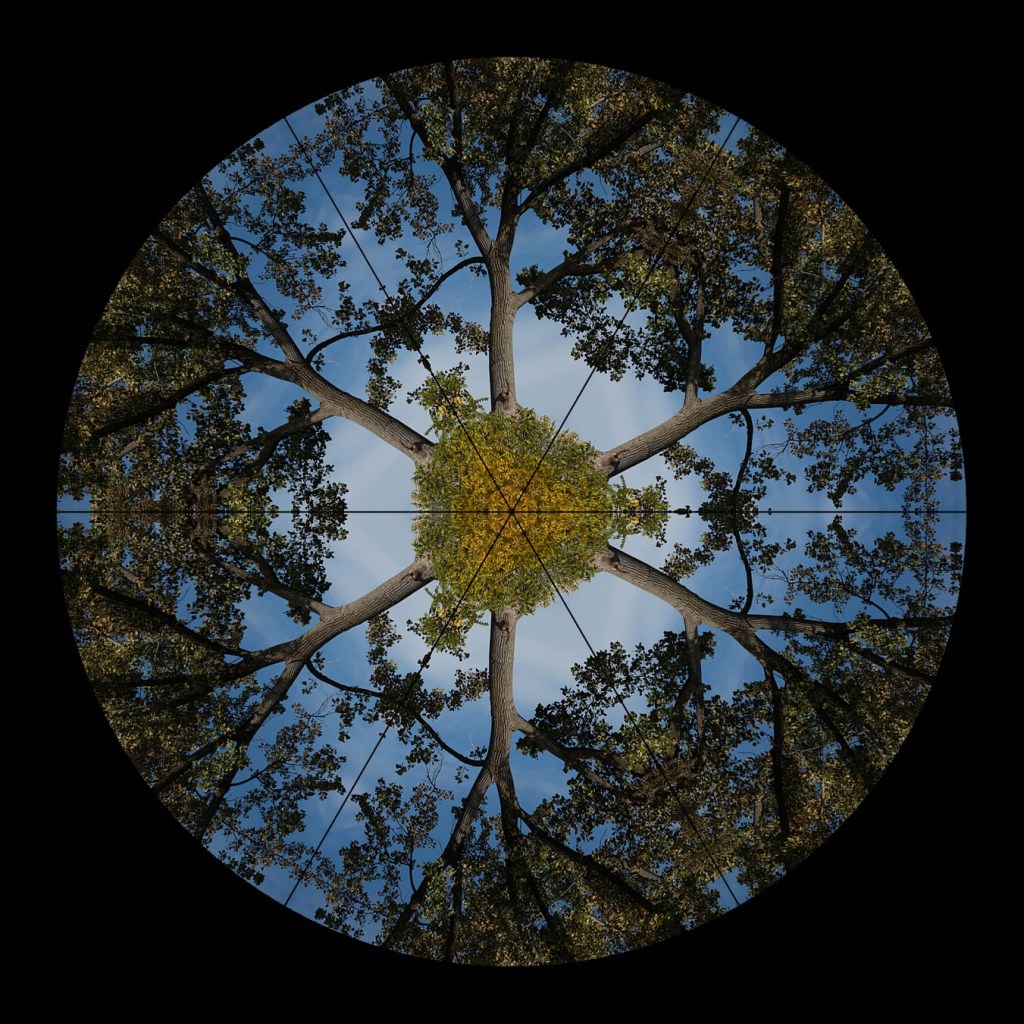
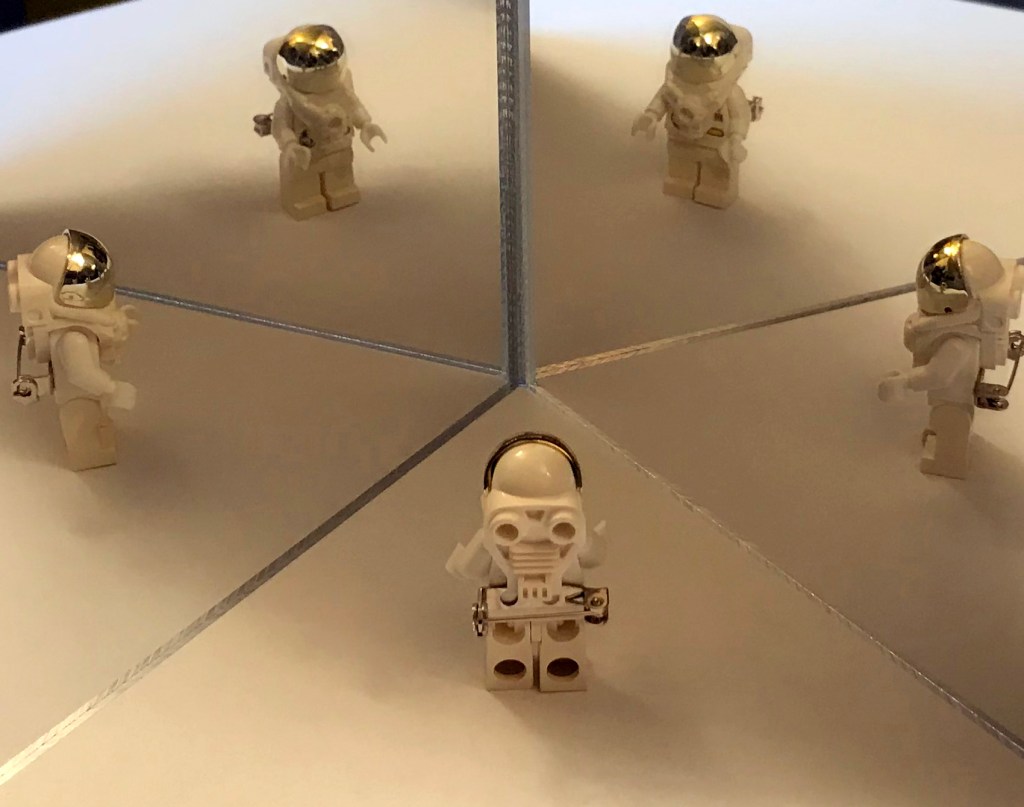
Kaleidoscopes — Documentation (pdf File) — Folder with programs and data (zip file). The top two photographs above show natural kaleidoscopes made with two small hinged mirrors. You can make similar photographs using small mirrors like these ($10.80) or larger door-sized mirrors. The bottom two images are computer generated kaleidoscopic images that you can make with no physical equipment from your own photographs.
 Just Add Math