We will use the computer language Processing because it was designed by visual artists for the kinds of programming we need. In contrast to languages designed by the computer science community, Processing allows easy thing to be done easily rather than making even easy things hard. In addition, Processing has wonderful documentation, especially their online tutorials. You should begin by going to the Processing.org web site and downloading and installing Processing. Then you should work through the introductory tutorial.
The sample programs below are not meant to replace Programming tutorials and documentation and, perhaps, an organized programming course. They are meant to supplement your main effort to learn programming and to provide examples illustrating how programming can be used to work with images. One way to learn programming is by looking and modifying sample programs. We suggest you go through these examples in order.
Sample Programs: For each of the following programs there is a pdf Documentation file and a zip file that unzips to a folder with the program (sketch) and any necessary data files. You should download and unzip the zip file and then read the pdf file.
firstPointer — Documentation (pdf file) — Folder with program and data (zip file). Digital images are represented by a rectangular array of tiny pixels. Each pixel has a location or address. This program enables you to click on a pixel in an image and see its location.
colorPointer — Documentation (pdf file) — Folder with program and data (zip file). Each pixel has a color. Each color is a mixture or blend of the three basic colors: red, green, and blue. This program enables you to click on a pixel in an image and see its color as well as its location.
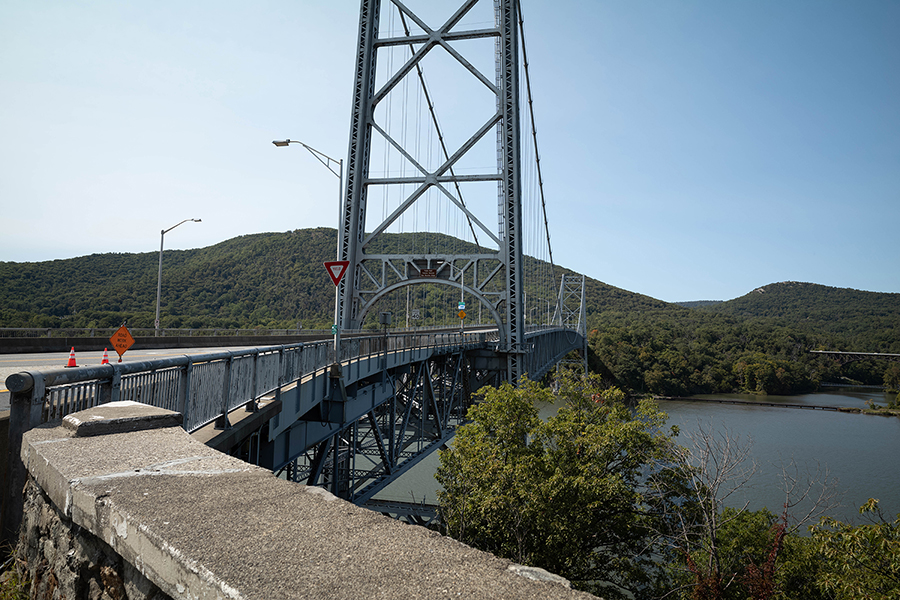

makeBW — Documentation (pdf file) — Folder with program and data (zip file). Photographers often use black-and-white photographs to tell stories. For example, I wanted to convey a sense of history with a photograph of the Bear Mountain Bridge. It was easy to take a picture, the one on the left above. To make it look more “historical” I converted it to black-and-white, the image on the right above. This program enables you to convert a color image to black-and-white. You can modify it for other interesting effects.
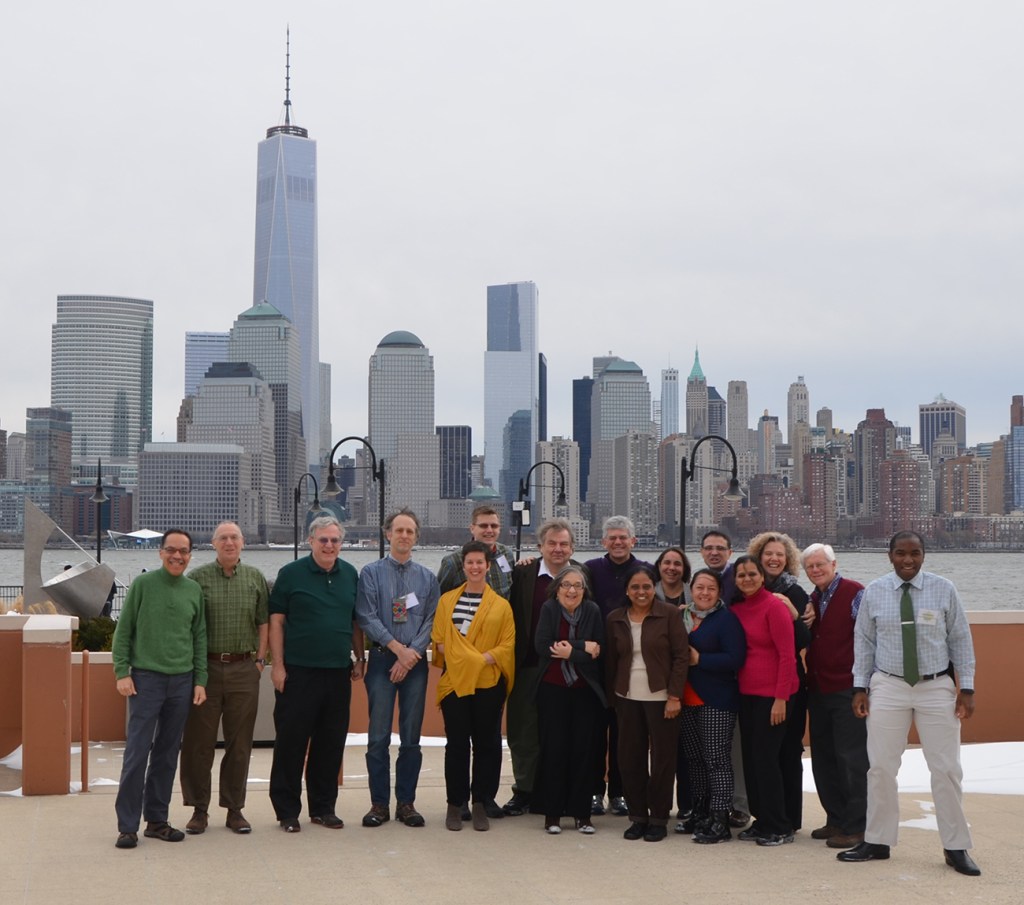

spotLight — Documentation (pdf file) — Folder with program and data (zip file). Photographers often use spotlights in photographs, television shows, movies and plays to highlight parts of a scene, like the group photo above. Spotlights are expensive, require lots of electricity, are bulky and often very hot. This Processing program accomplishes the same thing and can be used without a time machine to add a spot to photographs you may also have in your collection.
 Just Add Math